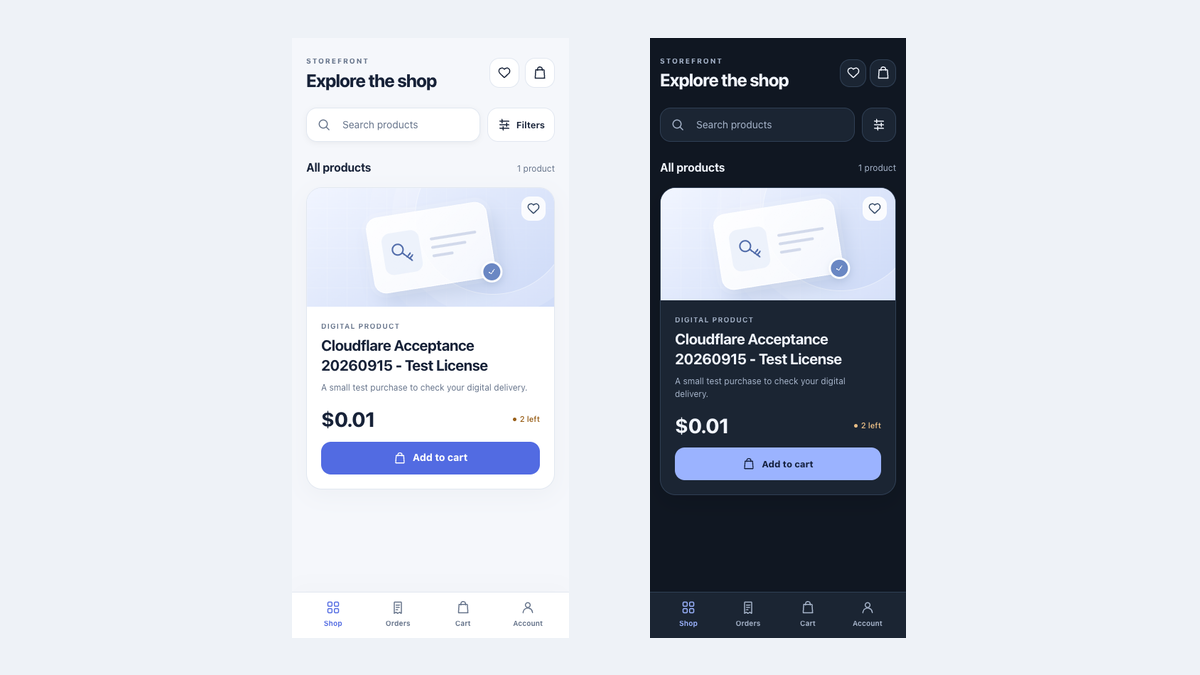
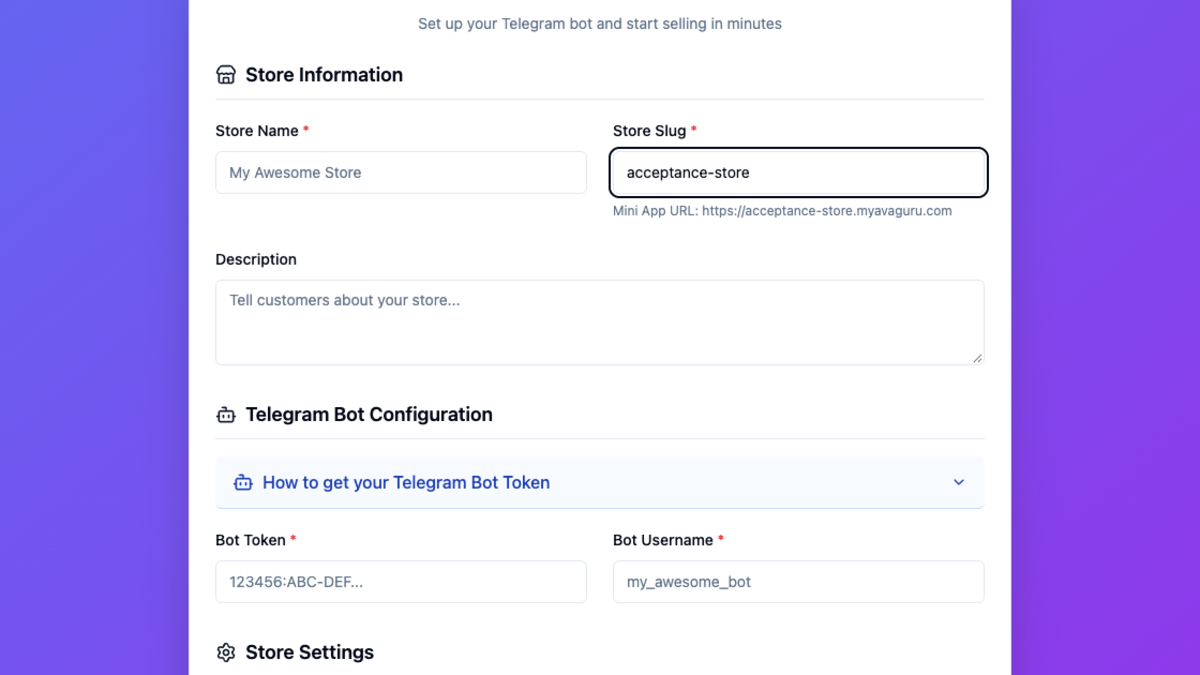
· AvaGuru Engineering Team · product updates · 6 min read
How to Add Customer Support to a Telegram Bot Store
Reuse your store bot to route buyer questions to a private merchant group, keep order context, and reply without leaving Telegram.
The simplest way to add customer support to a Telegram store is to reuse the bot customers already know. With AvaGuru, a buyer opens support from the Mini App, the question appears in the merchant’s private Telegram group, and the merchant replies from that group. Nobody needs to install another helpdesk or leave Telegram.
The update is designed to remove the repetitive first minutes of a support conversation: identifying the buyer, finding the right store, and asking for an order number.
What problem does Telegram-native customer support solve?
A generic support link gives the buyer somewhere to go, but it does not tell the merchant what the buyer purchased or why they need help. The buyer often has to repeat information that the store already knows.
AvaGuru’s support flow keeps the useful context attached to the conversation:
- The correct Telegram store
- The verified Telegram buyer
- The selected support topic
- The relevant order when support starts from an order page
- The current open or closed status of the request
This lets the first human reply address the problem instead of collecting identifiers.
How does AvaGuru customer support work?
The complete buyer-to-merchant flow has seven steps:
- The buyer taps Customer Support in the Mini App.
- Telegram opens the same bot used by the store.
- The buyer chooses Order, Payment, Delivery, Product, or Other.
- The buyer writes a message in the private Bot chat.
- AvaGuru creates a ticket in the merchant’s private support group.
- A team member replies to the ticket message.
- The Store Bot delivers that reply to the buyer.
The buyer can close the request with /close. The support team can also close it by replying /close to the ticket in the group.
What the buyer sees
The buyer stays in a familiar Telegram conversation. The Bot confirms that the message reached the support team and shows the merchant’s configured acknowledgement, such as an expected response window.
When support starts from an order page, the merchant receives the verified order context. The buyer does not have to copy an order number from one screen into another.
What the merchant sees
Each request appears as a structured message in a private Telegram group. It identifies the customer, ticket, topic, and optional order. Team members use Telegram’s normal Reply action, so the response always returns to the correct buyer.
The group becomes a lightweight shared inbox. Existing Telegram permissions still decide who can join the group and read conversations.
Why reuse the existing Store Bot?
Reusing the Store Bot keeps the customer journey coherent. The same trusted identity handles shopping, order updates, delivery, and support.
| Operating concern | Separate support bot | Reused Store Bot |
|---|---|---|
| Buyer experience | A second bot to recognize | The same bot used for purchase |
| Merchant setup | Another BotFather setup | Connect one private group |
| Order questions | Order must be found manually | Order can travel with the request |
| Team workflow | Learn another inbox | Reply in Telegram |
| Maintenance | Two bot configurations | One store bot configuration |
A dedicated support bot may still make sense for a large contact center or a business that needs a separate support brand. Most creator stores do not need that extra operating burden.
What can merchants configure in AvaGuru?
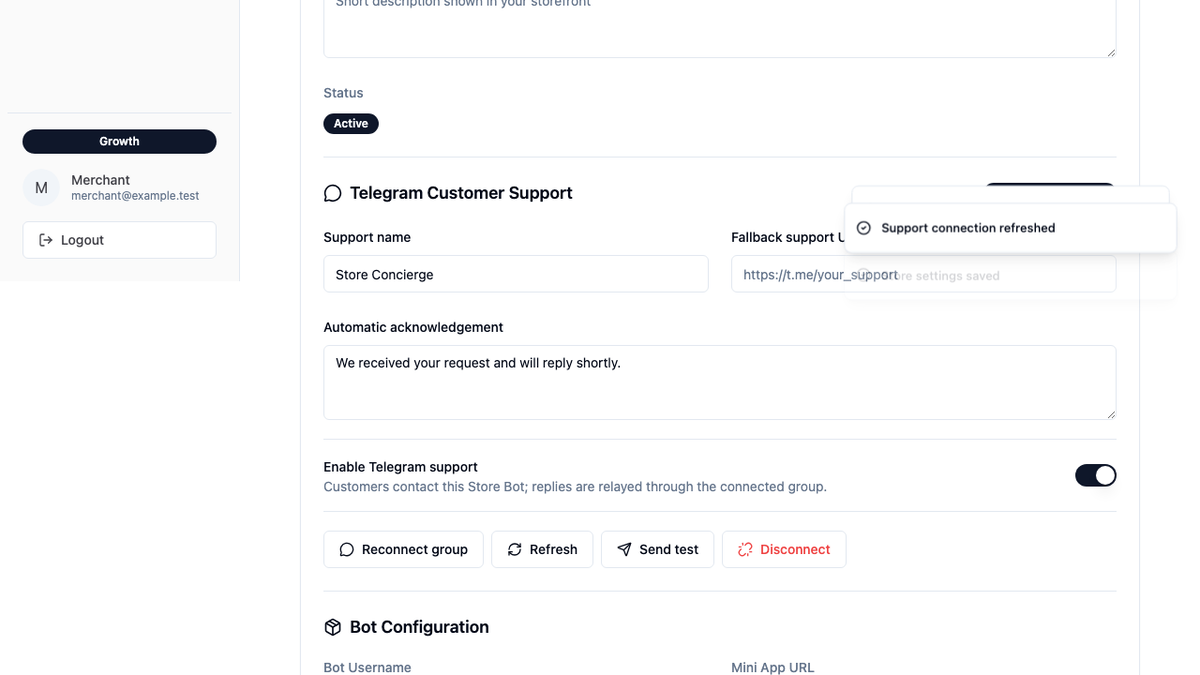
The merchant dashboard now includes a Telegram Customer Support section with controls to:
- Connect or reconnect a private support group
- Check whether the group is connected
- Send a test message
- Disconnect the group
- Set the customer-facing support name
- Set the automatic acknowledgement
- Enable or pause Telegram support
- Add an HTTPS fallback support link
Connecting a group does not require finding and copying a Telegram chat ID. AvaGuru generates a temporary command that a group administrator sends after adding the Store Bot.
How do merchants enable the feature?
- Open Settings in the AvaGuru dashboard.
- Find Telegram Customer Support.
- Select Connect group and copy the generated command.
- Add the Store Bot to a private Telegram group.
- Send the command as a group administrator.
- Return to Settings and select Refresh.
- Enable support, save, and send a test message.
The administrator check prevents an ordinary group member from changing the store’s support destination.
What customer and business benefits should merchants expect?
The update changes support operations in ways that can be measured.
| Before | After | Business value |
|---|---|---|
| Buyer searches for a support contact | Support is inside the Store | Less contact friction |
| Agent asks for order details | Order can be attached automatically | Faster first useful response |
| One person owns a private inbox | Team shares a private group | Easier coverage |
| Replies lose their customer context | Replies stay connected to a ticket | Fewer routing mistakes |
| Support issues remain anecdotal | Requests have topics and status | Better product feedback |
Useful measures include first response time, resolution time, messages before resolution, reopened requests, and ticket volume by topic.
A rise in payment questions may point to unclear checkout messaging. Repeated delivery questions may reveal that order status or download instructions need improvement. Support data becomes a product signal, not just an inbox.
How is buyer information protected?
The customer support entry is available only to a buyer with a valid Telegram store session. Its temporary link is single-use and expires after ten minutes. An order can be attached only when it belongs to that buyer and Store.
The support group must be connected by a Telegram group administrator. Messages from another group cannot be treated as merchant replies. Closed conversations and message history are retained for 180 days and then removed.
These controls run behind the interface. Merchants do not need to manage security codes or customer identifiers manually.
What is included in the first release?
The current release includes text conversations, topic selection, optional order context, automatic acknowledgement, two-way replies, test messages, and ticket closure.
The first release does not relay photos or files, assign named agents, calculate service-level agreements, or provide a separate web helpdesk. The connected Telegram group is the team’s support workspace.
We are stating those limits clearly because dependable text support is more valuable than a long feature list with unclear behavior.
How does this update fit the rest of the store?
Customer support now connects directly to the same buyer journey as product discovery, checkout, payment, delivery, and refunds. For the wider setup process, read How to set up a Telegram shop for digital downloads and Telegram shop payment integration with AvaGuru.
Frequently asked questions about Telegram bot customer support
Does the merchant need a second Telegram bot?
No. AvaGuru reuses the bot already connected to the store.
Can support start from a specific order?
Yes. The Order Detail page can open support with that verified order already attached.
Can any group member connect the support group?
No. AvaGuru verifies that the person running the temporary connection command is a group administrator.
Can several team members reply?
Yes. Any authorized member of the connected private support group can reply to a ticket message.
Does the support relay handle attachments?
Not yet. The current release is text-only and tells the sender when an attachment is unsupported.
Sources and release evidence
- Telegram Mini Apps documentation
- Telegram deep links
- AvaGuru pricing
- AvaGuru versus other commerce platforms
This article was prepared by the AvaGuru Engineering Team from the production release shipped in October 2026. Before release, we checked the complete buyer-to-group-to-buyer journey, Store ownership, dashboard setup, and phone and tablet layouts.