· AvaGuru Engineering Team · product updates · 8 min read
Telegram Message Widgets for Shops: Turning an Order Update into a Live App
Telegram messages can now become small interactive apps. Here is what that means for Telegram shops, and how AvaGuru uses it to keep every buyer's order status current inside one chat message.
Telegram message widgets are small interactive apps that live inside a single chat message. A bot sends them like any other message, and they open instantly because the whole app is under 4 KB. For a Telegram shop, the most useful thing a widget can do today is replace a pile of “your order changed” texts with one card that always shows the current status. AvaGuru has shipped exactly that for every store: after payment, the buyer receives a live order card instead of a plain receipt.
This article explains what changed in Telegram, which shop problems it solves, and where we deliberately chose not to use the new features yet.
What are Telegram message widgets?
Telegram added widgets in Bot API 10.4 on November 9, 2026. Pavel Durov summarized the release in one line: “Any Telegram message can now become an app.” His announcement listed three properties, and each one matters to a store in a specific way.
| Durov’s description | What it means for a buyer | What it means for a shop |
|---|---|---|
| Downloads instantly (less than 4 KB) | No loading screen, even on a weak mobile connection | The card appears as fast as a text message |
| Interactive and natively rendered | Looks and feels like part of Telegram, in light or dark theme | No separate page to design or host |
| Payments and viral mechanics built in | Pay or share without leaving the chat | Possible future checkout and referral flows |
A widget is different from a Telegram Mini App. A Mini App is a full web page that opens over the chat. A widget stays in the conversation history as a message, so the buyer sees it every time they scroll back to the shop’s chat.
What can a widget not do?
The limits shaped our design as much as the features did:
- Widgets currently work only in private chats between a user and a bot.
- Sent widgets are protected content, so buyers cannot forward them.
- Forwardable “shared” widgets exist only on Telegram’s test servers for now.
- A widget cannot connect to the internet on its own. It asks the bot for fresh data through Telegram.
For order information, the first two limits are good news. An order card should be private to the person who bought something.
What problem does a live order card solve for Telegram shops?
Most Telegram stores, including AvaGuru stores before this update, notify buyers with text messages. That approach has three weaknesses.
Some order changes were silent
A store sends a text when payment succeeds, when a delivery is ready, or when a refund completes. Other changes, such as an order moving into processing or a merchant cancelling it, often produce no message at all. The buyer only finds out by opening the store and looking for the order.
Old messages kept showing old information
A “Payment received” message is still sitting in the chat a week later. It was true when it was sent, but it says nothing about where the order is now. Buyers who scroll back to it are reading history, not status.
“Where is my order?” became a support ticket
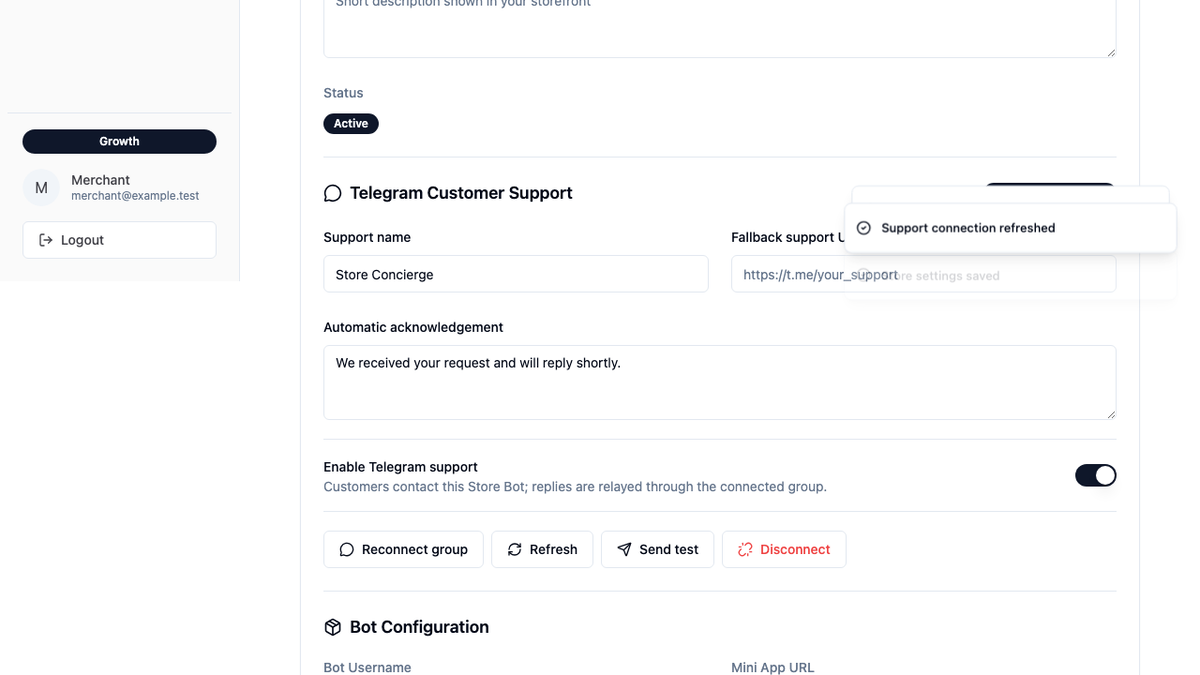
When the chat does not answer the question, the buyer asks a person through Telegram customer support. Order is the first topic a buyer can pick there, and most status questions could be answered by the shop’s own data without a person.
How does AvaGuru’s live order card work?
On every AvaGuru store, the buyer’s journey now looks like this:
- The buyer pays for an order.
- Instead of a plain “Payment received” text, the store bot sends one order card into the private chat.
- The card shows the order number, the amount, and a three-step tracker: Paid → Processing → Completed.
- If the order is cancelled or refunded, the card shows that state clearly instead of the tracker.
- Each time the buyer looks at the card, it checks with the store and updates itself, with the time of the last update.
- A View order button opens the full order page in the store.
Important events still arrive as normal messages. When a delivery is ready or a refund completes, the buyer receives a notification as before, and the card also updates. The card adds a status view; it does not take away alerts.
What changes for the buyer?
The buyer no longer has to search for the latest message or open the store to check progress. The answer to “what is happening with my order?” sits in one place, and it is current whenever they look at it.
What changes for the merchant?
Nothing in the daily workflow. Merchants keep moving orders through the admin portal exactly as before. Every status change, including the ones that never triggered a message, now becomes visible to the buyer the next time they look at their card. We expect that to reduce routine status questions, but the card has only just launched, so we will publish numbers only after we have measured them.
Why didn’t AvaGuru use widget payments or viral sharing yet?
Durov’s third point, “payments and viral mechanics built in”, is the most exciting part of the announcement. We are not using either in this release, for reasons that matter to merchants.
Payments. Widget payments run through TON and Telegram’s built-in Wallet. AvaGuru stores charge in Telegram Stars at prices fixed in the store’s own currency. A cryptocurrency-priced checkout would make the price a buyer sees depend on market movements, which complicates refunds, accounting, and tax records. Stars checkout already works inside Telegram, so we kept it.
Viral mechanics. Shareable widgets cannot yet be used on Telegram’s production servers, and order cards should not be forwarded anyway. A product card that buyers can share with friends is a promising idea for later, once Telegram makes shared widgets generally available.
Is the order card safe for buyers?
Security researchers raised concerns about the new widget runtime in the days after launch, and those deserve to be taken seriously. Our card was built to keep the possible exposure small:
- It loads no images, fonts, scripts, or other files from the internet.
- It does not accept typed input.
- It shows only the order number, amount, status, and update time.
- The store answers a status request only when it comes from the buyer who placed the order, in that buyer’s private chat. Requests from anyone else, or from a group chat, receive nothing.
- If Telegram refuses to deliver the widget for any reason, the buyer automatically receives the classic text message instead. A payment confirmation is never lost.
Payment and personal details stay inside the store. They are never placed in the card.
How does a merchant turn on the live order card?
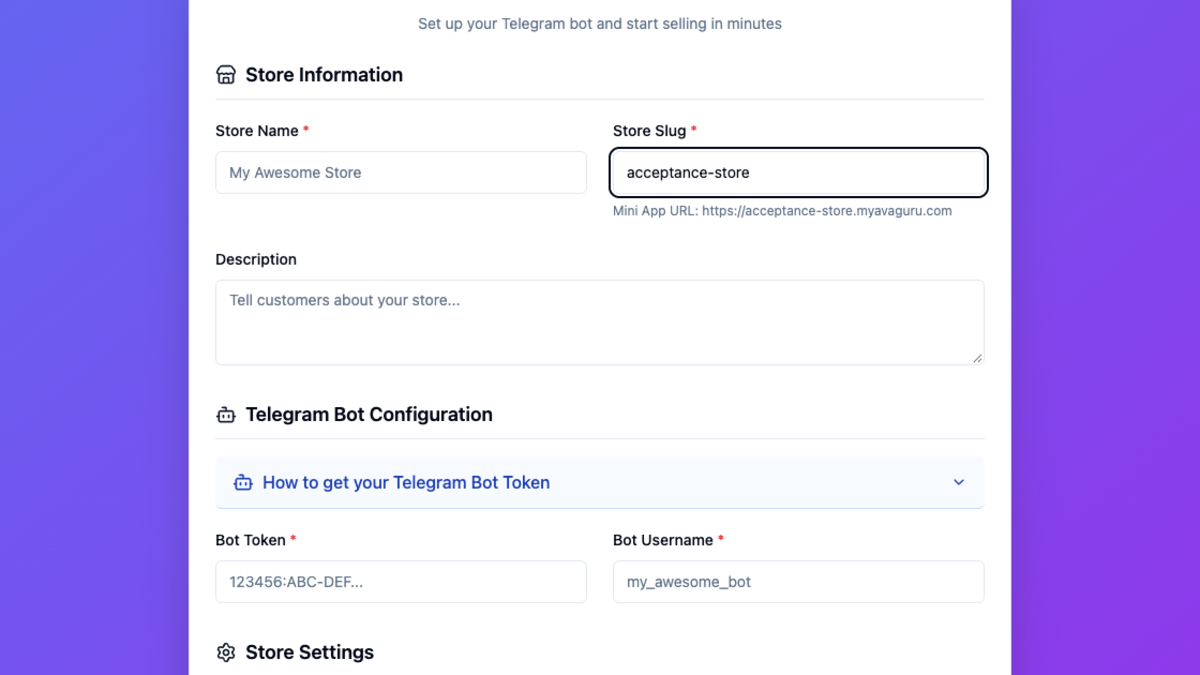
There is nothing to turn on. The order card is active on every AvaGuru store with a connected Telegram bot, including stores created from today onward. Existing store bots are updated automatically in the background, so a merchant does not need to reconnect anything.
The card currently displays in English, like the rest of the bot’s default messages. If a store has a reason to keep plain text notifications only, contact us and we can switch the card off for that store.
What comes next for widgets on AvaGuru?
These are the next uses we are evaluating, in order of expected value to merchants:
- An order list card that answers the bot’s
/orderscommand with live status for every recent purchase - Product cards for marketing messages, so a buyer can view a product without opening the full store
- A setting in the merchant dashboard so store owners can switch the card off themselves
- Localized cards that follow the store’s language
Shared, forwardable product cards depend on Telegram’s production rollout and are not on the near-term list yet.
Frequently asked questions about Telegram widgets for shops
Do buyers need to install anything to see the order card?
No. The card appears inside Telegram like a normal message. The buyer does not open a link or install an app.
Do Telegram widgets work in groups and channels?
Not yet. On Telegram’s production servers, widgets work only in a private chat between a user and a bot. That is where AvaGuru sends order notifications.
Can a buyer forward the order card to someone else?
No. Telegram marks widget messages as protected content, so they cannot be forwarded. That keeps order details private.
Will buyers still get notified when something important happens?
Yes. Delivery and refund notifications still arrive as messages. The card keeps the overall status current between those notifications.
Does the order card change how much a shop pays AvaGuru?
No. AvaGuru charges a subscription, not a share of each sale. The order card does not add any fee. See AvaGuru pricing.
Can a store accept TON payments through a widget?
Not through AvaGuru. Stores continue to take payment in Telegram Stars at fixed prices. Read Telegram shop payment integration with AvaGuru for details.
Sources and release evidence
- Telegram Bot API changelog, November 9, 2026
- Telegram Bot News announcement of Bot API 10.4
- Telegram Bot API: sendWidget
- Telegram Mini Apps documentation
- How AvaGuru protects Telegram Mini App stores
This article was prepared by the AvaGuru Engineering Team from the order card release that reached every AvaGuru store in November 2026, four days after Telegram published Bot API 10.4. Before release, we checked the card against Telegram’s size limits, tested that only the buyer can read an order’s status, and confirmed that buyers fall back to text notifications whenever a widget cannot be delivered.